
For Corporate Trainers For Training Providers Conformance For The Learner For the Admin
Reporting Features Content Features eCommerce Features Branding Features

For Corporate Trainers

  • Customization – Fully Customizable User Profile fields
  • High Level of Automation – Automate course enrollments, group assignments, and permissions
  • Blended Learning Support – manage all your training activities
  • Reporting – Powerful Reporting Functionality (including report automation)
  • Email Notifications – Key events can trigger automatic email reminders and notifications sent to the learner, administrator, and supervisor
  • Issue Certificates – Customize certificates with your own background image and layout
  • Integrate with other systems – HRS Integration, Active Directory Support & Batch User Import
  • Upload external training records
  • Easy To Use Interface – 4 time Brandon Hall Gold Medal winner
  • SCORM Compliant – proven compatibility with all the popular authoring tools

For Training Providers and Online Resellers

  • Multiple LMS sites included – Create and Control Multiple Separately branded LMS Sites (have a master LMS that can easily be cloned to create a new LMS site)
  • Unique Branding – Easily Brand Inquisiq R3 to Yours or your clients Identity
  • Discount Codes – Specify various discount types (free, percentage, flat rate and “price off”) for your courses, and provide your learners with codes to redeem them
  • Shopping Cart – Sell your courses with our built-in shopping cart functionality (PCI compliant eCommerce)
  • Publicly Searchable Course Catalog – allows users to find your course offerings
  • User Self-Registration – customize your registration form and capture exactly what you need
  • Rule based automation – allows you to automatically group users based on what they enter into the registration form
  • Email Notifications – Key events can trigger automatic email reminders and notifications sent to the learner, administrator, and supervisor
  • Issue Certificates – Customize certificates with your own background image and layout
  • Easy To Use Interface – 4 time Brandon Hall Gold Medal winner
  • SCORM Compliant – proven compatibility with all the popular authoring tools

Conformance

  • Supports SCORM 1.2
  • Supports SCORM 1.3 (2004) 4th Edition
  • Proven compatibility with many authoring tools, such as:
    • Adobe Captivate
    • Articulate Sudio
    • Articulate Storyline
    • Trivantis Lectora
    • Adobe Flash
    • Trainersoft
    • Adobe Authorware LMS KO
    • Knowledge Presenter
    • Rapid Intake’s mLearning Studio

For The Learner

  • Social Network Linking Feature – Courses can be linked to an existing ‘group’ or page on any social networking site or other third party site.
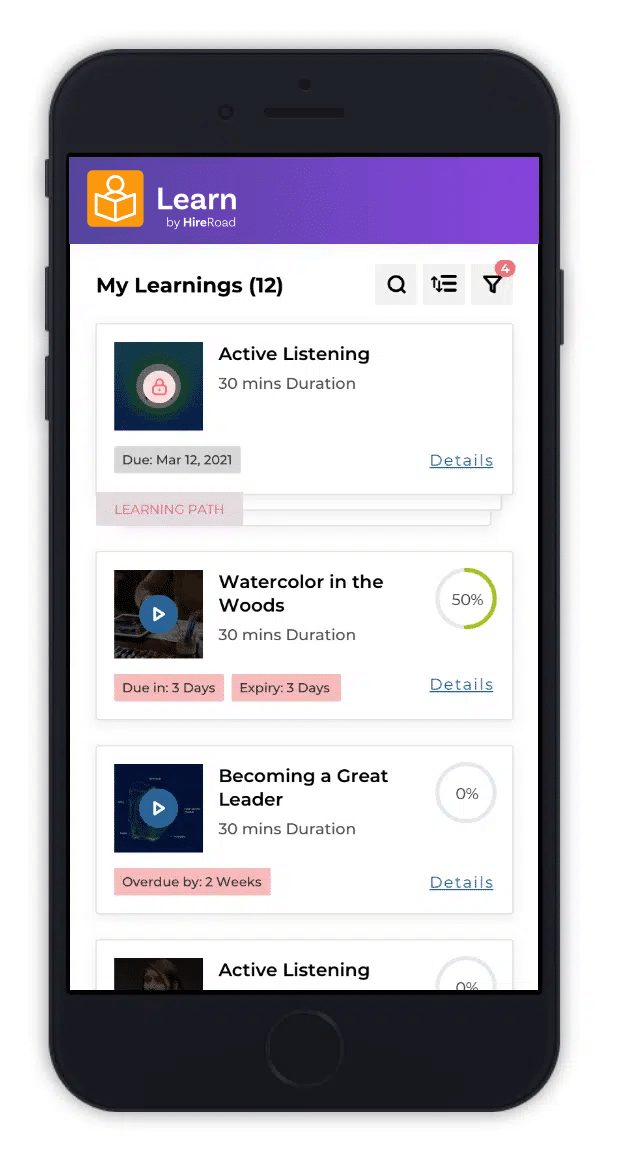
  • Easy Course Access – Intuitive interface gives learners immediate access to their courses.
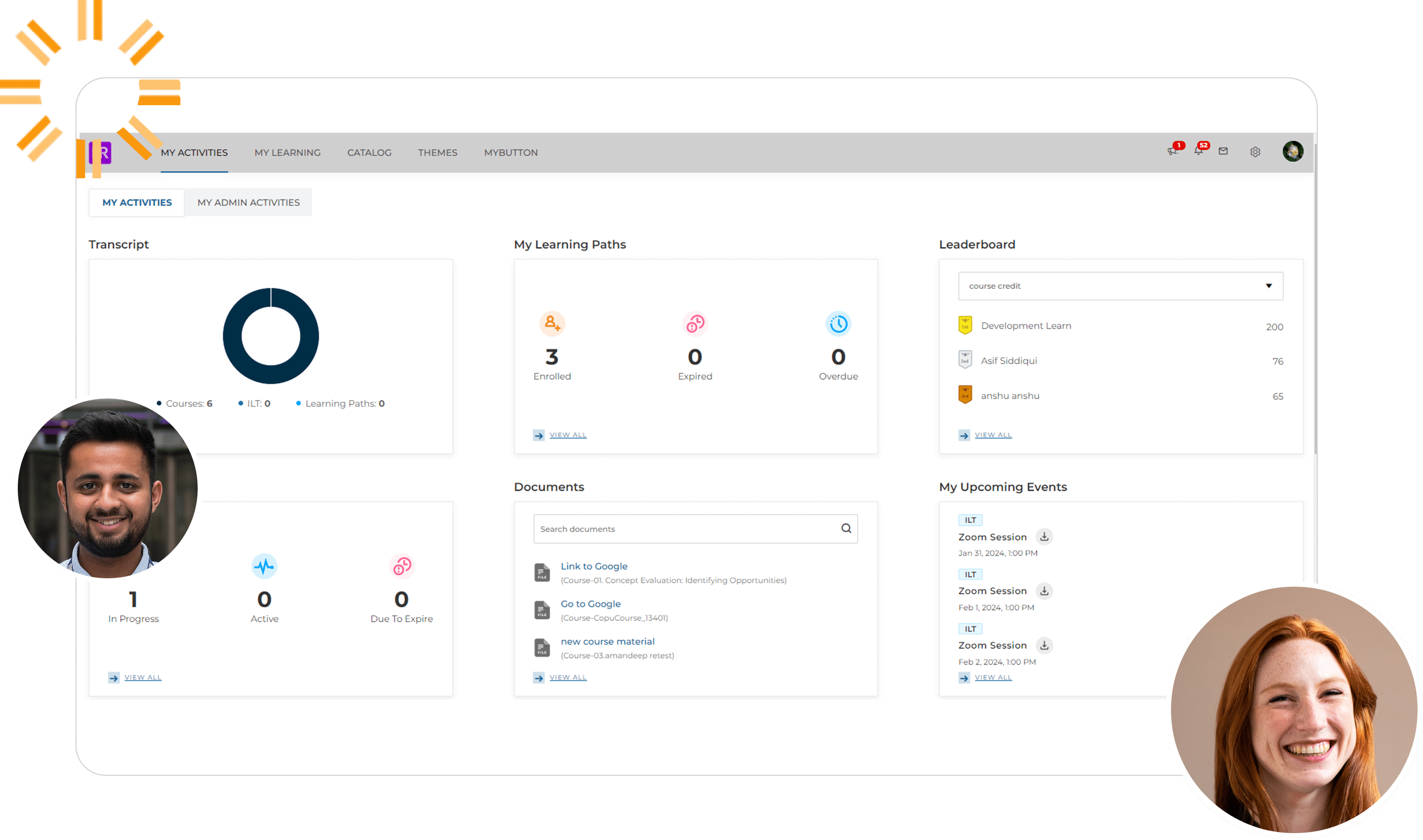
  • Easy Information Access – The learner’s home screen allows quick access to all their account information, history, certificates, personal calendar, and courses.
  • Self Enrollment – Learners can browse the course catalog, and if enabled, enroll in courses with a single click.
  • Learner Calendar – Learners have quick access to a personalized calendar with their due dates, expiration dates, and events.
  • Outlook Calendar Integration – Live training events can be added to the learner’s Outlook Calendar.
  • Email Notifications – The learner’s home screen allows quick access to all their account information, history, certificates, personal calendar, and courses.
  • Wait List – Learners can sign-up for live training events and if full, can choose to be placed on a wait list.

For The Administrator

  • Course Enrollment – Enroll users to courses individually or by group. You can specify due dates, expiration dates and even re-occurring schedules.
  • Blended Learning Support – In addition to online courses, both live instructor lead courses and external training events can be tracked and managed.
  • Automated Group Membership – Automatically join users to groups based on information in their user profile. They will instantly inherit course enrollments from their new groups and gain access to restricted course catalogs.
  • Delay Group Course Enrollments – Add delays on group course enrollments. Control the delay between when someone is added to the group and when they are enrolled in the course.
  • Issue Certificates – Customize certificates with your own background image and layout. Certificates are automatically awarded to learners based on one or more course completions and can be viewed and printed right from the learners “My Courses” screen.
  • User Management – A powerful user management system allows you to manage user accounts, assign permissions, grant access to courses and catalogs, create enrollments, and more.
  • Batch User Import – Create user accounts individually, or by the hundreds, by importing your HR spreadsheet. The system can also be synchronized to other HR systems.
  • Customize User Profiles and Registration Form – Decide what information you want to capture for your user accounts. Completely customizable registration form allows you to create your own form. All information will automatically also be available for editing by the administrator and can optionally appear in reports.
  • Import User Course Completion Records – Import historical user activity records (course and lesson completion data) from a tab delimited text file. This is a great way to import data from other systems or through your manual tracking efforts. This import can handle any number of courses or users.
  • Instructor/Expert Contact – Designate instructors and course experts for learners to contact should they need assistance.
  • Active Directory Support – Active Directory Integration is built in and can be setup and configured by the administrator. Allows you to automatically synchronize the LMS user accounts to your Active Directory. Other LDAP support is also available.
  • Custom/External User Registration Link – Specify an external/custom URL for user registration. This is great for clients who want to create their own custom registration system and seamlessly integrate it with Inquisiq R3™.

Reporting Features

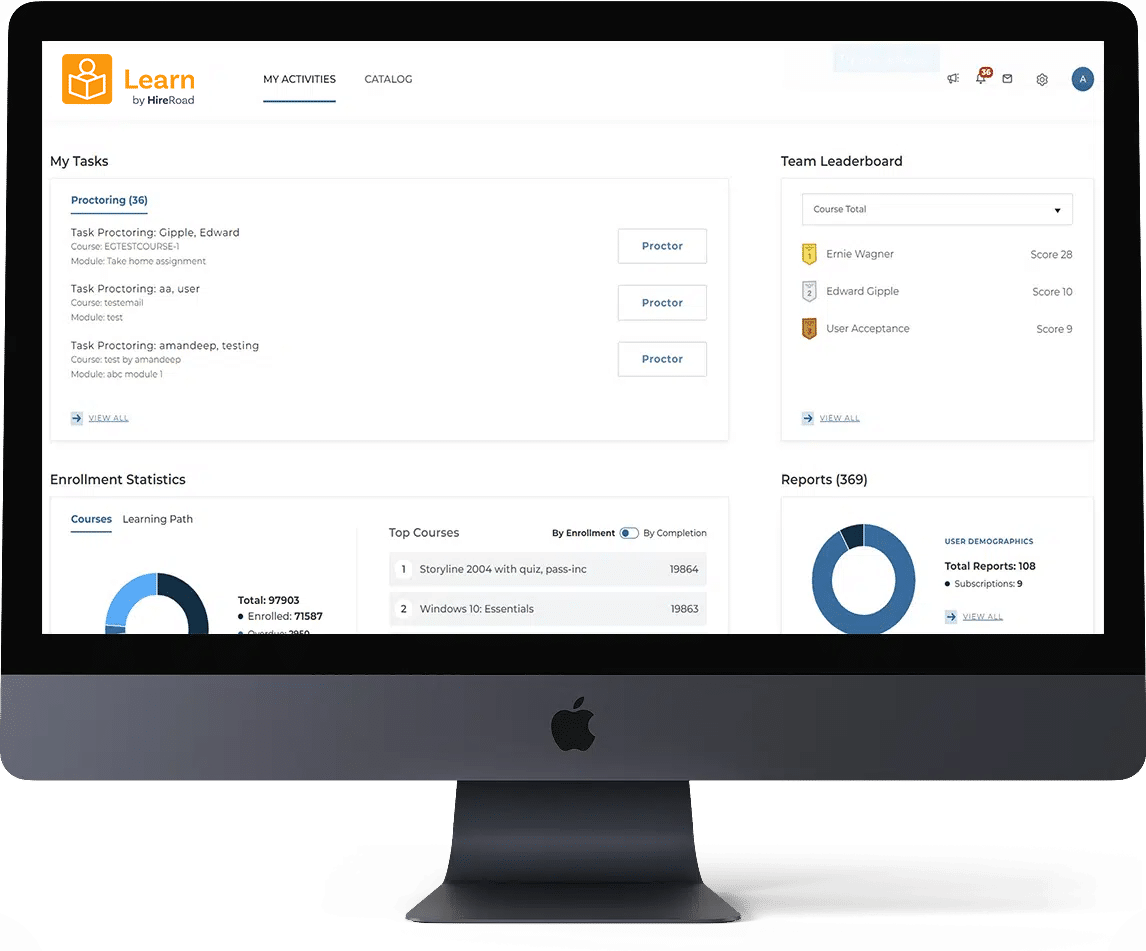
  • Powerful Reporting Tools – Let you access all data that is in the system (user demographics, course completion data, certificate data, purchase information, and all SCORM tracking data).
  • Flexibility – Choose the fields you want to appear in each report.
  • Control – Can easily apply filters to the reports that allow you to focus the report on what you are most interested in.
  • Excel Export – Any report can be exported to Excel for additional manipulation and formatting.
  • Save Reports – Once you have refined a report to just the way you want it, you can save it for easy access for future use. You can also specify if you want to make the report private just for you or public so that others can also run it.
  • Subscribe to Reports – Schedule reports to run automatically and email results.

Content Features

  • Course Materials – Attach spreadsheets, PDF documents or any other type of file to a course to be included in the course catalog and accessible by learners. Note that these materials can be optionally open to anyone viewing the course catalog or designated as accessible to only students enrolled in the course.
  • Flexible Content Organization – By organizing lessons into courses and courses into nested catalogs, virtually any content organization can be created.
  • SCORM Conformant – Easily upload and manage your SCORM content using our intuitive interface. Proven compatibility with many popular authoring tools such as Articulate Sudio and Storyline, Captivate, Lectora, Flash, as well as 3rd third party content providers such as Vubiz, ToolingU, and Skillsoft.
  • Bookmarking Support – Supports SCORM-based tracking that allows students to continue lessons right where they left off.
  • Restricted Access – Course catalogs can optionally be made restricted so that only those people who have been given proper access rights can view them.

eCommerce Features

  • eCommerce – Would you like to sell access to your courses? You can optionally specify a price for each course. Doing so will post the price in your course catalog and require users that are self-enrolling to pay for them.
  • Shopping Cart – Let your users browse your catalog and select what courses they want to purchase by adding the courses to their shopping cart. Then, when they are finished browsing the catalog they can check out and pay for all selections at once.
  • Discount Codes – Specify various discount types (free, percentage, flat rate and “price off”) for your courses, and provide your learners with codes to redeem them.
  • Gateway Support – Use your own PayPal Website Standard or Authorize.net account to accept course fees when users enroll.

Branding Features

  • Customizable Main Menu – Rename, reorder, and even create new menu items that link to pages in Inquisiq R3™ or external web pages.
  • Branding Capabilities – Banner, footer, and Homepage can all be easily branded to your corporate Identity.
  • Unique URL – Name your LMS anything you want, which will be included in your URL. You may also alias any domain(s) you own to your LMS.
  • Edit colors, fonts, and more – Use standard tools to modify the Custom Style Sheets (CSS) to edit colors, fonts, and more.